SSH to EC2 Instance via Chrome Extension Secure Shell
2020/01/191 min read
bookmark this
Table of Contents
Introduction
This blog shows how to SSH to an EC2 instance via the Chrome Extension Secure Shell.
Set Up the Connection
-
First, you need to download the Chrome extension, Secure Shell App.
-
If it's the first time, click "Connection Dialog" to set up the connection.
-
Enter the public IP address from EC2.
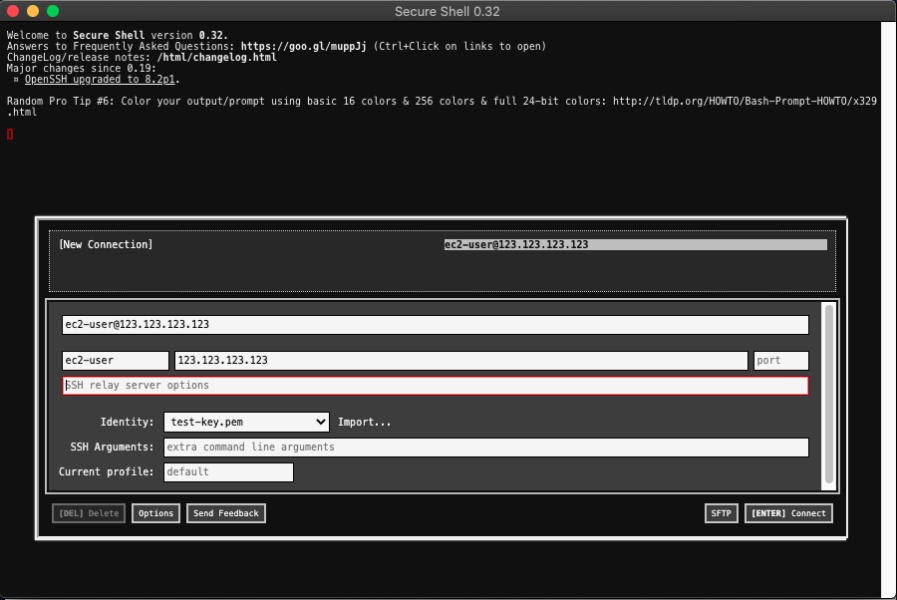
- After connecting via SSH, this is how it looks.
Conclusion
The Secure Shell Chrome extension provides a quick and easy way to SSH into your EC2 instances directly from the browser, without needing a separate terminal application.